
Bar POS systems: what to check before you buy
A bar breaks an ordinary restaurant system for one clear reason. Knowing that reason saves you from buying the wrong equipment twice.
Home / Blog / Restaurant iPad POS setup: what to buy and how to pair it
A step-by-step iPad POS setup for a small restaurant, from the shopping list to the first printed receipt, with an honest look at whether a tablet can carry the dinner rush.
Anzul Aqeel · Founder & Director, Anunzio International FZC · 7 October 2026 · updated 16 October 2026
An iPad POS setup can replace a commercial terminal in most small restaurants, and it costs far less to buy and to replace. GetMenu's POS app runs on iPad and iPhone. It pairs with a six-character code from your dashboard, prints receipts and kitchen tickets, opens the cash drawer, and keeps selling through the dinner rush even if the Wi-Fi drops.
A complete iPad POS system for one counter is an iPad, a stand with a power cable, a receipt printer and a cash drawer that plugs into that printer. Add a kitchen printer or a second screen for the kitchen. Your card machine stays as it is.
Any iPad on iPadOS 16 or later works with the GetMenu POS app, so the current base model is enough. Apple rates the iPad (A16) at up to 10 hours of surfing the web on Wi-Fi, and lunch plus dinner runs longer than that. So put the stand near a socket, and weigh it down or bolt it.
The receipt printer should be a thermal printer that speaks ESC/POS, the command set most receipt printers understand. The cash drawer plugs into the printer, which opens it. For the kitchen, add a second printer there, or pair an older iPad as a kitchen screen, since GetMenu runs on iPad and iPhone.
Give the POS its own Wi-Fi network that guests cannot join, because their phones slow it down. Otter's guide recommends a dedicated router on a separate network.
Setting up the GetMenu POS on an iPad is mostly menu work.
Yes, if three things are in place: power, a private network, and an app that keeps selling when the connection drops.
Otter's guide to iPad POS calls Wi-Fi the system's single point of failure. It prices a cellular backup router at $30 to $50 per month as cheap insurance for a Saturday night.
A sale rung up offline is kept on the iPad and sent once when the connection returns. The drawer still opens on an offline cash sale, but no receipt prints. Signing in needs a connection, so staff sign in at the start of the shift.
Turn off automatic software updates during service hours. Keep the counter iPad at the counter, and mount a kitchen screen away from the heat and grease of the cooking line.
The GetMenu POS prints receipts and kitchen tickets on USB (on the LAN), network, Bluetooth and built-in printers, and the cash drawer opens through the receipt printer. You choose which ways of paying open the drawer, and a waiter's phone never does. Our guide to the cash drawer and printers shows what to buy.
Kitchen tickets go one per station, so the grill prints its own and the drinks counter prints its own. Every order prints there, whether it came from the counter, a table, the ordering page or WhatsApp. Each ticket carries the order number in large type and no prices. A customer's choices, such as no onions or extra cheese, are printed in bold on the kitchen ticket. The customer's note prints on the ticket too, and a note that mentions an allergy prints in bold red above the dishes. You can also pair an iPad as a kitchen screen instead. Each order shows its time in colour: green when it lands, amber as it nears 8 minutes, and red when it is late.
Receipts carry your footer line, a QR code to your ordering page, and a VAT line once you add your tax number. A customer who gives a phone number can have the receipt on WhatsApp instead.
Each staff member signs into the iPad with a four-digit PIN, and five wrong tries lock that person out for five minutes. Roles are cashier, manager and owner, and a refund or a void needs a manager and a reason.
A shift opens with the cash you put in the drawer. At close, staff count the notes, and the POS shows the expected total beside the counted total. It sends a closing report (the Z report) to your managers' WhatsApp group and the owner's email. The card machine's batch total is typed at close and sits beside the POS card total.
The POS works beside the card machine you already have: the cashier keys the amount on the machine and records on the POS how the sale was paid. Online orders are paid in cash or by card machine at the door.
The hardware is a one-time purchase and the software is the running cost, so compare the contract, not the screen.
A restaurant POS cost guide from TCang puts an all-in-one POS terminal at $800 to $1,500, against $300 to $600 for an iPad with a stand. CrumblePOS puts a single location's first-year total for a conventional system at $3,000 to $20,000. Loman's breakdown of NCR Aloha pricing puts the hardware at around $1,000 per terminal for a basic setup. It also says some packages, especially through resellers, still tie you to a contract of one to three years with early termination fees.
An iPad counter is a base iPad, a stand, a printer and a drawer, and a tablet you own keeps its value if you change software. Our guide to iPad POS systems for restaurants compares the options. The GetMenu POS is a yearly add-on on top of your plan, with no limit on devices, and the current price in your currency is on the pricing page. The 15-day trial of the ordering platform needs no card.
Anzul Aqeel, the founder of GetMenu, spent four years reselling POS software to small businesses before he built one. "The terminal was never the hard part. What matters is the software and a printer that works, and both work the same on an iPad as on a box that costs several times more."
The counter and the ordering page share one menu, one stock count and one run of order numbers. Online and WhatsApp orders show on the POS screen beside the counter sales.
One stock list for the counter and the online menu: when you tap None left on the POS, the dish comes off the other POS devices and the online menu. A delivery order from your page sends a ticket to the managers' group and a dispatch to the riders' group the moment the order is placed, with the building, unit number and map pin. You can also send a rider from the POS on WhatsApp.
On the Growth and Pro plans, a guest who scans a table's QR code types no address, because the table is the address, and the order lands on the floor plan as that table's tab.
On the Pro plan, add a customer's number to a counter sale and they get their loyalty stamp. Regulars who order online grow into tiers with their own discounts, and the loyalty card keeps updating itself in Apple Wallet and Google Wallet on iPhone and Android.
On every monthly plan, invoices carry your tax number once you add it, and the customer can download the PDF without logging in.
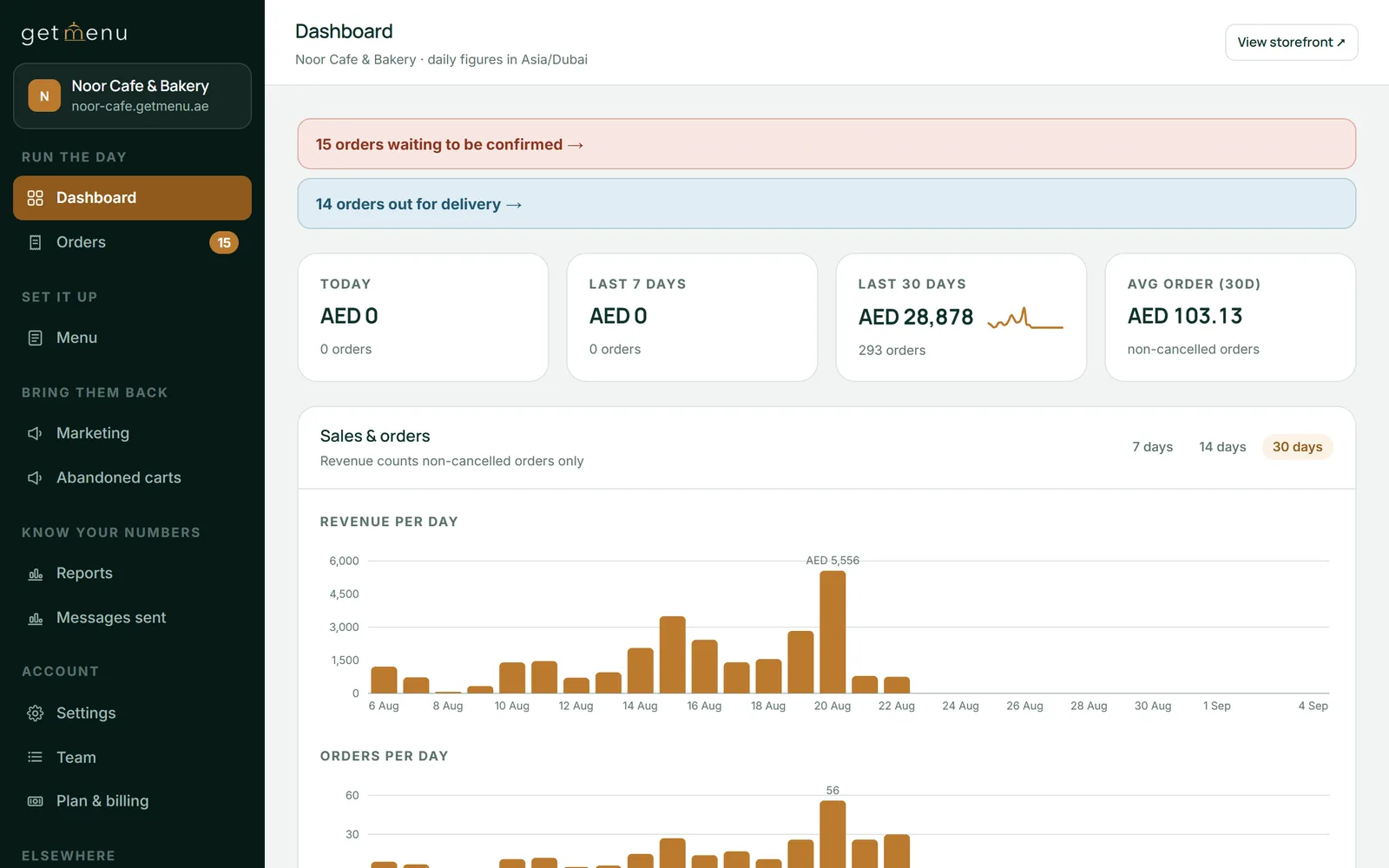
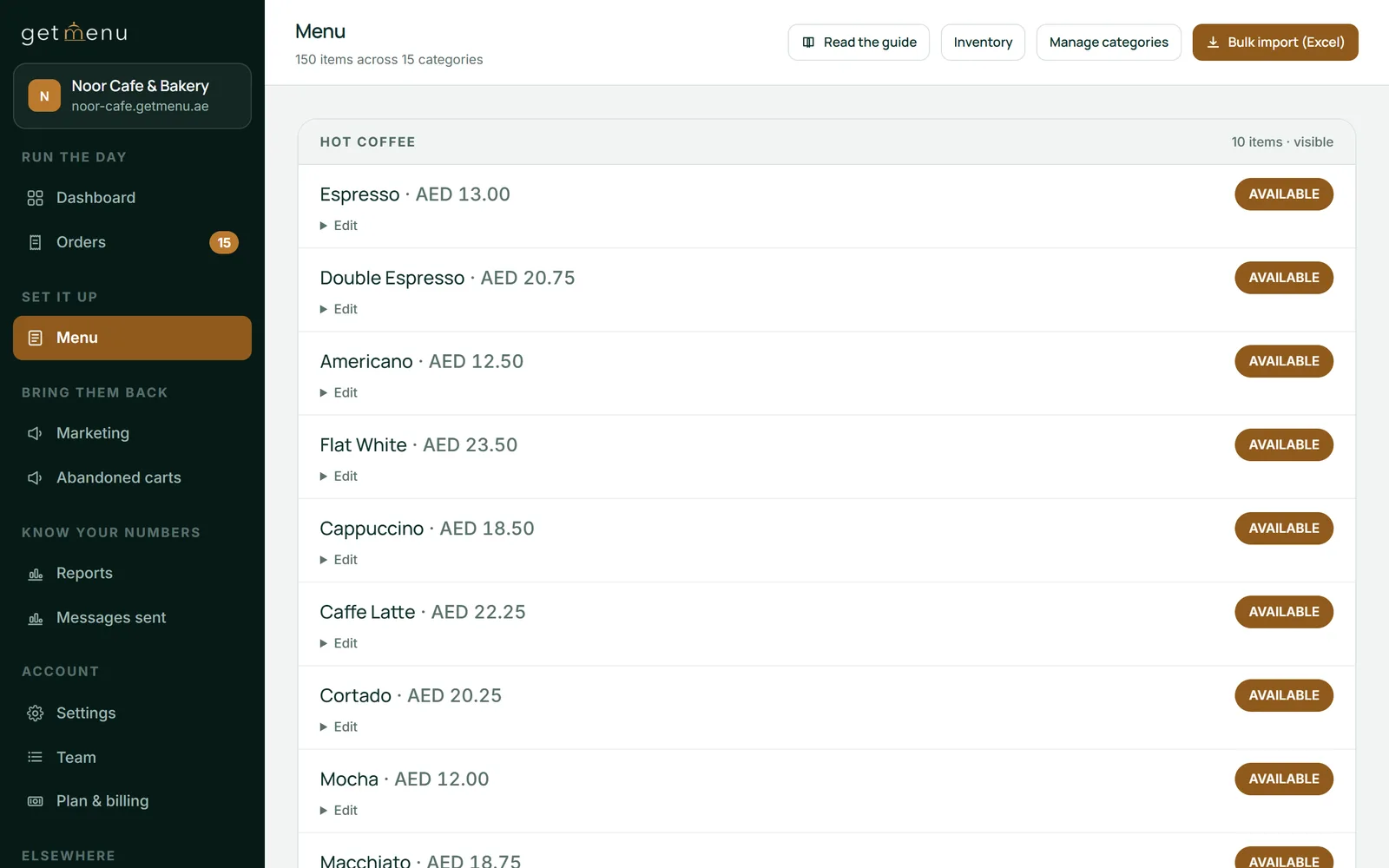
Build your menu in the GetMenu dashboard, install the POS app from the App Store, and type the six-character code the dashboard shows. Then add your printers, tick which one opens the cash drawer, give each staff member a PIN, and ring up a test sale.
Count the hardware and the software separately. The hardware is an iPad, a stand, a receipt printer and a cash drawer, and you own it. The GetMenu POS is a yearly add-on on top of your plan, with no limit on devices, priced on the pricing page.
Yes. The GetMenu POS keeps selling when the internet drops. Each offline sale is kept on the iPad and sent once when the connection returns, and the cash drawer still opens. Staff need a connection to sign in, and an offline sale gets no printed receipt.
Any thermal receipt printer that speaks ESC/POS, the command set most receipt printers use. The GetMenu POS prints on USB (on the LAN), network, Bluetooth and built-in printers. Buy the printer first, then a cash drawer whose cable fits the printer's drawer port.
Almost any standard cash drawer, because it never connects to the iPad. It plugs into the receipt printer with a short cable, and the printer sends a small pulse that opens it when a cash sale is completed. You choose which ways of paying open it.
Common causes are Wi-Fi shared with guests, a tablet whose battery dies, and a software update in the middle of service. Give the POS its own network, a powered stand, no updates during opening hours, and an app that sells offline.
For most small restaurants, the iPad. It is yours, costs less to buy and is quick to replace. Some vendor terminals come with a contract of one to three years. Both need a printer, a cash drawer and a steady network, so compare the software and the contract.
You do not need a stand for either. The GetMenu POS prints over the network or Bluetooth, so the printer can sit anywhere on the counter. The cash drawer plugs into the printer, not the iPad. Keep a charger near the iPad for long shifts.
A bar breaks an ordinary restaurant system for one clear reason. Knowing that reason saves you from buying the wrong equipment twice.
Software sold as a bar system usually means the machine behind the counter. The parts a bar loses money on sit somewhere else, and this article is about those.