
Cloud kitchen software: what a delivery-only kitchen needs
The five jobs a delivery-only kitchen's software has to do, how GetMenu does each, how several brands share one kitchen, and what it leaves to other tools.
Home / Blog / Kitchen display system software vs paper tickets
Orders get lost on paper because paper falls, sticks and fades. They get lost on a screen when nobody looks at it. Here is where each wins, and how one kitchen runs both.
Tanzeel ur Rehman · Co-founder, Get Menu · 7 October 2026 · updated 16 October 2026
Kitchen display system software (a KDS) is a screen that shows every order with a timer. It prevents lost orders because nothing falls to the floor or sticks to a hot pan. Paper still wins on the grill, where a bold ticket travels with the plate. GetMenu's POS gives a kitchen both: a screen and printed tickets per station.
A kitchen screen collects every order from every source into one list and puts a timer on each. Counter sales, table rounds, online orders and WhatsApp orders all arrive on the same screen without anyone carrying a slip. Delivery-app orders join them once you connect your own partner account. A round is each time a waiter sends more dishes for a table.
On the GetMenu kitchen screen, colour is the whole signal. An order lands with a green ring, turns amber as it nears 8 minutes, and turns red when it is late. A cook knows the state of every order from across the room without reading a word. A station's own screen shows only that station's dishes. Orders booked for a later time show as "Later" with their start time, and a note that mentions an allergy stands out in red.
The screen does best on an assembly line, such as burgers or pizza, where several cooks build the same order in steps and all watch one timer. KwickOS's guide says restaurants typically report a 15 to 25% cut in average ticket times within the first month after moving from paper. Treat that as a vendor figure, but a timer that everyone can see does change how a busy kitchen behaves.
Paper wins where the ticket has to travel with the plate and where hands are wet, gloved or holding tongs. On a grill or fryer station, a bold ticket hung above the station is read at a glance. It moves with the dish to the pass (the serving counter where finished plates are handed out) and is thrown away when the plate goes out. A screen behind the grill suffers from heat and splashes, and a cook with wet or gloved hands cannot tap it.
The ticket itself has to earn that place. Every order prints on one kitchen ticket at each station, whether it came from the counter, the web or WhatsApp, so a web order prints at the grill just like a counter sale. GetMenu prints one ticket per station with the order number in large type and no prices, so the grill ticket carries only the grill's dishes. A customer's choices, such as no onions or extra cheese, are printed in bold on the kitchen ticket. The customer's note prints on the ticket too, and a note that mentions an allergy prints in bold red above the dishes.
The POS prints kitchen tickets on USB (on the LAN), network, Bluetooth and built-in printers, and each station gets its own printer. At hot stations, use an impact printer, not a thermal one. An impact printer presses ink onto the paper, while thermal paper darkens in heat. Epson sells its TM-U220 impact printer as a kitchen printer.
So choose station by station. Put the screen at the serving counter, at cold stations and on assembly lines, where someone looks at it all the time. Put bold paper on the grill, where a plate and its ticket move together.
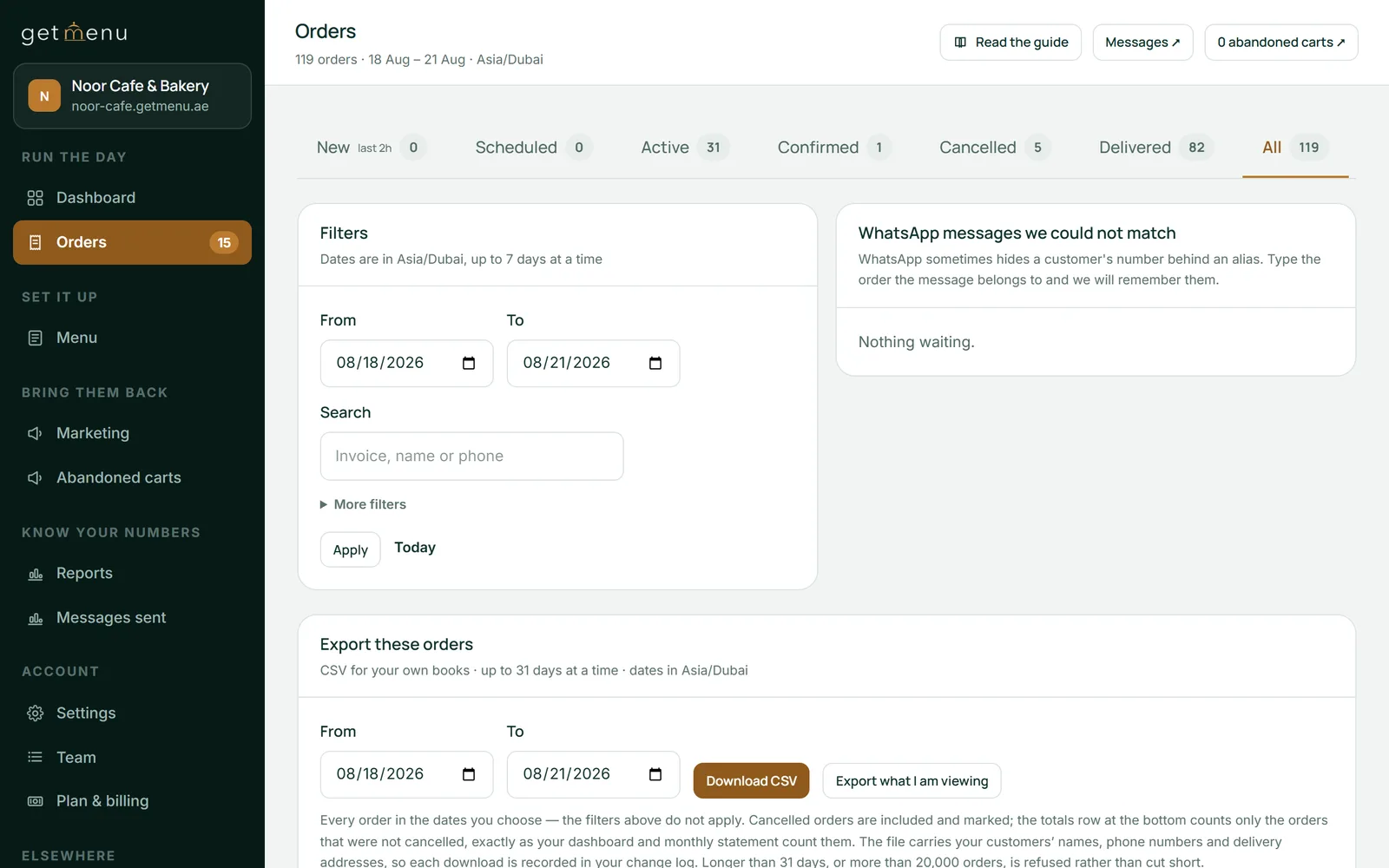
The kitchen sees each order the way it was taken, with every choice and note under its dish. A counter sale is one ticket. A table gets one ticket per round, sent from the waiter's phone. Each ticket says whether the order is for delivery, collection or a table. A note a waiter typed for one dish, such as less sugar, shows under that dish on the screen.
The allergy case is handled twice. On the screen, an order note that mentions an allergy appears as a bold red banner across the order. On paper, the same note prints in bold red above the dishes, so the grill cook sees it before the dish names.
The customer's choices come from the ordering page. There, options and add-ons carry their own prices, and required choices must be answered before the dish goes in the cart. So a half-finished order never reaches the kitchen.
The moment an online order is placed, it appears on the kitchen screen and prints on the same kitchen ticket at each station as a counter sale: every order on one kitchen ticket, counter, web and WhatsApp. A ticket also goes to the managers' WhatsApp group, and the riders' group gets the dispatch with the building and unit number picked at checkout. Online and WhatsApp orders show on the POS screen beside counter sales too.
When the kitchen runs out of a dish, the cashier marks it None left on the POS. That takes the dish off the other POS devices and the online menu as well, because there is one stock list for the counter and the online menu.
A small kitchen needs one screen at the serving counter, and an older tablet is enough. Pair it to GetMenu as "A screen in the kitchen" with a six-character code from the dashboard. Mount it behind a splash guard, and it is working the same afternoon. Our guide to kitchen display systems explains more.
Kitchen display software, or restaurant kitchen software, is the screen on the wall. Kitchen management software is a bigger tool that also plans staff, recipes and prep, and you may see it called restaurant kitchen management software or kitchen management system software. A kitchen that only does delivery needs the same screen, one timed list of every app order and every direct order, and that list is most of what ghost kitchen software means.
Fleksa's price guide puts the screen itself at $200 to $1,500 a screen, the top end being Toast and Clover's own kitchen screens, and the software at nothing when it comes with a POS. TCANG's guide puts the software at $10 to $40 a screen a month. In GetMenu the POS kitchen screen is part of the POS add-on, a yearly fee on top of your plan with no limit on devices. A second screen costs only an old tablet. The current figures are on the pricing page.
The screen reads orders from the server, so when the connection drops it keeps showing what it last loaded, and new orders wait until the connection returns. Some systems work differently. Toast's own support page says its kitchen screen keeps receiving tickets for in-store orders during an outage, while orders placed from outside the restaurant, such as online orders, do not come through.
The counter keeps selling. A sale rung up with no internet is kept on the counter device and sent when the connection comes back, once and never twice, and the kitchen gets it then. For the few minutes a router takes to restart, the cashier calls the order out to the kitchen. Give the POS devices their own Wi-Fi network that guests cannot join, so it stays fast when the room is full.
Tanzeel ur Rehman, a co-founder of GetMenu who teaches web development on Udemy, says the screen was designed for a glance. "We made the kitchen screen dark and let colour carry the message, because a cook has no time to read in the middle of service."
After the kitchen, the rider taps one link to mark the order delivered, and the customer is told on WhatsApp. On the Pro plan, regulars grow into tiers with their own discounts and the loyalty card keeps updating itself in Apple Wallet and Google Wallet. Plans are flat prices with no commission, and every plan starts with a 15-day free trial with no card needed. The POS add-on has no trial of its own.
Orders from the counter, the waiter's phone, the ordering page and WhatsApp go to the server, and so do delivery-app orders once you connect your own partner account. A tablet paired as the kitchen screen shows them all in one list. Each order carries a timer shown as colour: green when it lands, amber near the target, red when late. The cook taps each dish when it is done and taps Ready to clear the order.
Not always. A KDS, or kitchen display system, is a screen that lists every order with a timer. A small kitchen with one grill cook and bold paper tickets loses very few orders. A screen earns its place when orders come from several sources at once, because online, table and counter orders land in one timed list. Many small kitchens run one screen at the serving counter and paper on the grill.
Yes. In GetMenu the kitchen screen is any iPad or Android tablet paired as "A screen in the kitchen" with a six-character code, so an older tablet does the job. Mount it behind a splash guard, out of reach of the grill's heat and splashes. The display is dark, and each order's colour ring shows its state at a glance.
The screen keeps showing the orders it already had, and new ones appear when the connection returns. The counter keeps selling: a sale rung up offline is kept on the counter device and sent when the connection comes back, once and never twice, so the kitchen gets it then. For a short drop, the cashier calls the order out to the kitchen.
Price guides put a kitchen screen at about $200 to $1,500, with the software at $10 to $40 a screen a month. With GetMenu the kitchen screen is part of the POS add-on, a yearly fee on top of your plan with no limit on devices, so each extra screen costs only the tablet you mount. The current figures are on the pricing page.
Neither, everywhere. A screen is better at the serving counter, on cold stations and on assembly lines, where it collects every order with a timer. A bold paper ticket is better on the grill, where the ticket travels with the plate and hands are busy. GetMenu's POS does both from the same order, one ticket per station and one screen per station, so you choose per station.
The five jobs a delivery-only kitchen's software has to do, how GetMenu does each, how several brands share one kitchen, and what it leaves to other tools.
Refurbished tablets are a safe buy for a restaurant POS. Refurbished vendor terminals usually are not, because the software stays with the first owner. Here is how to build from parts.