
Kitchen display system software vs paper tickets
Orders get lost on paper because paper falls, sticks and fades. They get lost on a screen when nobody looks at it. Here is where each wins, and how one kitchen runs both.
Home / Blog / Refurbished POS tablets: a restaurant POS system with kitchen printer
Refurbished tablets are a safe buy for a restaurant POS. Refurbished vendor terminals usually are not, because the software stays with the first owner. Here is how to build from parts.
Anzul Aqeel · Founder & Director, Anunzio International FZC · 7 October 2026 · updated 16 October 2026
It is safe to buy refurbished tablets for a restaurant POS, and risky to buy refurbished proprietary terminals, because the software licence on a vendor's terminal usually stays with the first buyer. GetMenu's POS runs on pre-owned iPads and Android tablets and prints to ESC/POS printers, so a restaurant POS system with kitchen printer can be built from parts.
There are two kinds of POS systems used in restaurants, and the answer depends on which you are buying. A vendor's own terminal runs only that vendor's software, under a licence sold to the first restaurant, so a second owner often gets a screen that will not sign in. An ordinary tablet runs whatever you install.
Vendor terminals are cheap second-hand because the terminal is worth little without the vendor's contract. The screen still works. What stays behind is the software used in restaurant terminals like these. Our guide to used POS systems for restaurants goes through what transfers and what to ask a seller. The short version: a used vendor terminal is a bet on the vendor's goodwill, and a used tablet is not a bet at all.
On a tablet, the software is a subscription that belongs to your restaurant, not to the device. Install the GetMenu POS app, pair the tablet with a six-character code from your dashboard, and it belongs to your restaurant until you disconnect it.
Any iPad on iPadOS 16 or later and any Android tablet on Android 5.0 or later runs the GetMenu POS. On the iPad side that means the iPad 5th generation and newer, the iPad mini 5 and newer, the iPad Air 3 and newer, and every iPad Pro. An iPad Air 2 or an iPad mini 4 stops at iPadOS 15 and cannot run it. Refurb.me's buying guide puts refurbished iPads at 20 to 57 percent less than the new retail price.
Buy the right grade. Apple's own refurbished store says every certified refurbished iPad and iPhone gets a new battery and outer shell, full testing and a one-year warranty. That makes it the safest source for a counter tablet that will be on a stand all day. Third-party refurbishers grade by condition. Ask for the battery health. On a counter tablet on a powered stand it matters little. On a waiter's phone, which runs on battery all shift, it matters a lot.
On Android the choice is wider and cheaper. An app that supports Android 5.0 or later reaches 99.9% of Android devices in use, so a tablet from a drawer is probably still a working POS. Check that the Wi-Fi is steady and the screen has no dead patches where the Charge button sits.
A kitchen printer joins the system in two steps. You set up stations in the dashboard and put each dish on the station that cooks it. Then you add the printer to the device. The printers and devices that work with the POS connect over USB (on the LAN), network, Bluetooth or built-in. From then on each station prints its own ticket.
Every order prints on the same kitchen ticket at each station: counter, web and WhatsApp.
Restaurant kitchen printers are either thermal or impact. Thermal printers are quiet and cheap to run and suit the counter and the pass. Impact printers strike a ribbon onto plain paper and suit the grill, where thermal paper darkens in the heat. Either kind works with GetMenu as long as it speaks ESC/POS, the command set most receipt printers understand. Star Micronics' own blog explains that a printer which understands ESC/POS commands can work with POS software it was not made for, so one system can drive another maker's printer.
The ticket itself is built for the kitchen: the order number in large type, no prices, only that station's dishes. A customer's choices, such as no onions or extra cheese, are printed in bold on the kitchen ticket. A customer's note prints on the ticket too, and an allergy note prints in bold red above the dishes. You need no separate restaurant kitchen software: the station list in your dashboard is the kitchen side, and the printer does the rest.
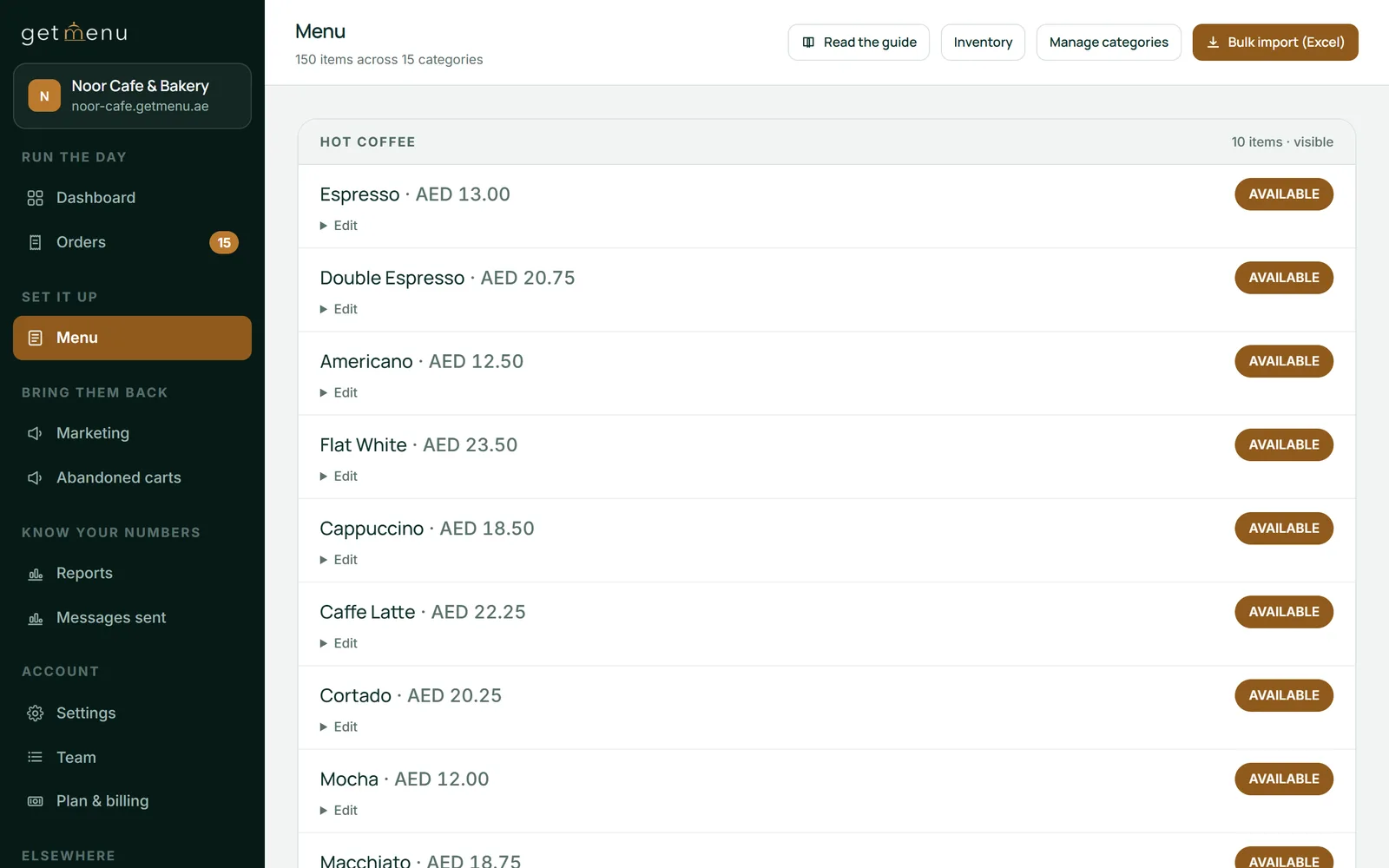
If you would rather not print, an older tablet can be the POS kitchen screen. Each order goes green, then amber, then red as it waits. The kitchen display software comes with the POS add-on, so the kitchen screen needs nothing more than the tablet.
Check five things. The box or the label must say ESC/POS. The ports must match your plan: an Ethernet port for the kitchen, Bluetooth or a network port for the counter. The print head must be clean and the cutter must cut, which a test print on the seller's premises shows in a minute. The drawer port on the back must be present if that printer is to open your cash drawer. And the paper width, 58 mm or 80 mm, must be the one you want.
A used thermal printer with a worn head prints faint lines down the ticket. A used impact printer needs a fresh ribbon and bond paper, both cheap. POS hardware is built for years of daily service. One hardware guide says most POS terminals last five to seven years, and replacing worn parts such as rollers keeps them going.
Before each shift, GetMenu checks that the network printers answer, so a used printer that fails overnight is found before the first order. With no printer at all, the receipt shows on the screen and can be sent to the customer's WhatsApp.
For the counter, one refurbished iPad or Android tablet on a powered stand, one used 80 mm thermal printer on the network, and a cash drawer plugged into that printer. For the kitchen, one used impact printer on an Ethernet cable at the grill, or an older tablet on the wall as the kitchen screen. For the floor, the waiters' own phones.
Each device is paired with its own six-character code, valid for 15 minutes and used once, and set up as a POS that sells, a screen in the kitchen or a waiter's phone. Staff get four-digit PINs. The receipt printer opens the drawer on cash sales, the kitchen printer prints a ticket per station, and the card machine you already have stays beside the counter.
The software is the GetMenu plan plus the POS add-on, a yearly fee with no limit on devices, listed in your currency on the pricing page. The trial of the ordering platform runs 15 days with no card.
Anzul Aqeel, the founder of GetMenu, spent four years reselling POS management software to small businesses before he built one. "The software was always the part that mattered. When the licence stays with the first owner, the screen is just glass."
Yes. The counter, the kitchen and your online ordering page share one menu, one stock list and one kitchen ticket. Online and WhatsApp orders show on the POS screen beside counter sales, and the kitchen gets the same ticket for each order, one for each station, however it came in: counter, web or WhatsApp.
The menu is uploaded from a spreadsheet instead of typed, with options and add-ons at their own prices. Stock counts fall as orders come in from either side. Mark a dish None left on the POS and it also goes off the other POS devices and the online menu: one stock list for the counter and the online menu.
A delivery order sends a ticket to the managers' group and a dispatch to the riders' group the moment the order is placed, with the building and unit number picked at checkout. On the Pro plan, regulars grow into tiers with their own discounts, and on every monthly plan the customer can download the PDF invoice without logging in.
Yes, if the iPad runs iPadOS 16 or later and comes from a seller who states the grade and the battery condition. Apple's certified refurbished iPads get a new battery and a one-year warranty, which suits a counter tablet on a stand. For a waiter's phone, battery health matters more, because it runs on battery all shift.
A used vendor terminal is only safe if the vendor will license it to you, and many will not, because the licence for the software used by restaurants on those terminals stays with the first owner. A used ordinary tablet is safe: you install the software you choose. GetMenu's POS installs on pre-owned iPads and Android tablets and pairs with a six-character code from your dashboard.
Yes, when the printer speaks ESC/POS, the command set most thermal and impact receipt printers understand. A used printer bought from a restaurant that ran another system prints GetMenu's receipts and kitchen tickets as long as it supports ESC/POS. It also needs the connection you plan to use: Ethernet for the kitchen, Bluetooth or network for the counter.
Most iPads do not show a battery health figure in Settings, so ask the seller for the cycle count, buy certified refurbished with a new battery, or charge it to full and watch how fast it falls during a test hour. For a counter tablet on a powered stand the figure matters less, since the tablet is always charging. For a device that runs all shift on battery, such as a waiter's phone, buy new or top grade.
Yes. Refurb.me's buying guide puts refurbished iPads at 20 to 57 percent less than the new retail price, depending on model and seller, and Apple's own refurbished store sells certified iPads with a new battery and a one-year warranty. For a POS counter, a refurbished base model on iPadOS 16 or later is all the tablet you need.
Any iPad or iPhone on iPadOS or iOS 16 or later. For iPads that means the iPad 5th generation and newer, the iPad mini 5 and newer, the iPad Air 3 and newer, and every iPad Pro. An iPad Air 2 or an iPad mini 4 cannot run it. It prints to ESC/POS printers over USB (on the LAN), network, Bluetooth and built-in, and the cash drawer opens through the receipt printer.
Orders get lost on paper because paper falls, sticks and fades. They get lost on a screen when nobody looks at it. Here is where each wins, and how one kitchen runs both.
The five jobs a delivery-only kitchen's software has to do, how GetMenu does each, how several brands share one kitchen, and what it leaves to other tools.