
Restaurant inventory management: the routine, not the software
Most kitchens buy software for this before they have a habit for it, and the software then measures a habit that does not exist.
Home / Blog / Restaurant inventory management software and waste
Software does not reduce waste. It shows you where the waste is, which is the part nobody currently has.
Anzul Aqeel · Founder & Director, Anunzio International FZC · 2 September 2026 · updated 16 October 2026
Restaurant inventory management software is usually sold on saving money, and the saving is usually described as waste reduction.
That framing is slightly wrong in a way worth correcting. Software does not reduce waste. It shows you where waste is happening, and people reduce it. The distinction matters because it tells you what to expect in month one and what to expect in month six.
It is worth separating the kinds, because they have different fixes and only some are a software problem.
Preparation waste. Trim, offcuts, and portions made incorrectly. Fixed by process and training, not software.
Spoilage. Things that went past their time in storage. Partly a software problem, because it comes from ordering more than you use and not rotating.
Over-production. Made for a service that did not come. This is where forecasting helps, and forecasting needs history that is only available if somebody recorded it.
Plate waste. What comes back uneaten. Almost always a portion-size question, which data can point at but cannot answer.
The US Environmental Protection Agency publishes tools for preventing and diverting wasted food, which is a more useful starting point than any vendor's material, because it has nothing to sell you.
Search for restaurant inventory management software free and you will find real tools. They are usually free in one of three ways, and it is worth knowing which:
A spreadsheet. Genuinely free and genuinely useful at one site. What it lacks is being fed automatically, so it is only as current as the last person who updated it.
A free tier of a paid product. Usually capped on items, locations or users, and designed so that outgrowing it is the point. Check what happens to your data at the cap.
A module included in something else. Free because the counter system it sits inside is not. Usually shallow, and usually the hardest to export from.
None of those is a trap exactly. The trap is choosing on price and discovering in month four that the data cannot leave.
"The cheapest stock system is the one your team will still be using in six months. Every other saving is theoretical, because a system nobody feeds stops being evidence."
— Tanzeel ur Rehman, co-founder of Get Menu
Any part of the system fed by a human will drift. Any part fed by orders will not.
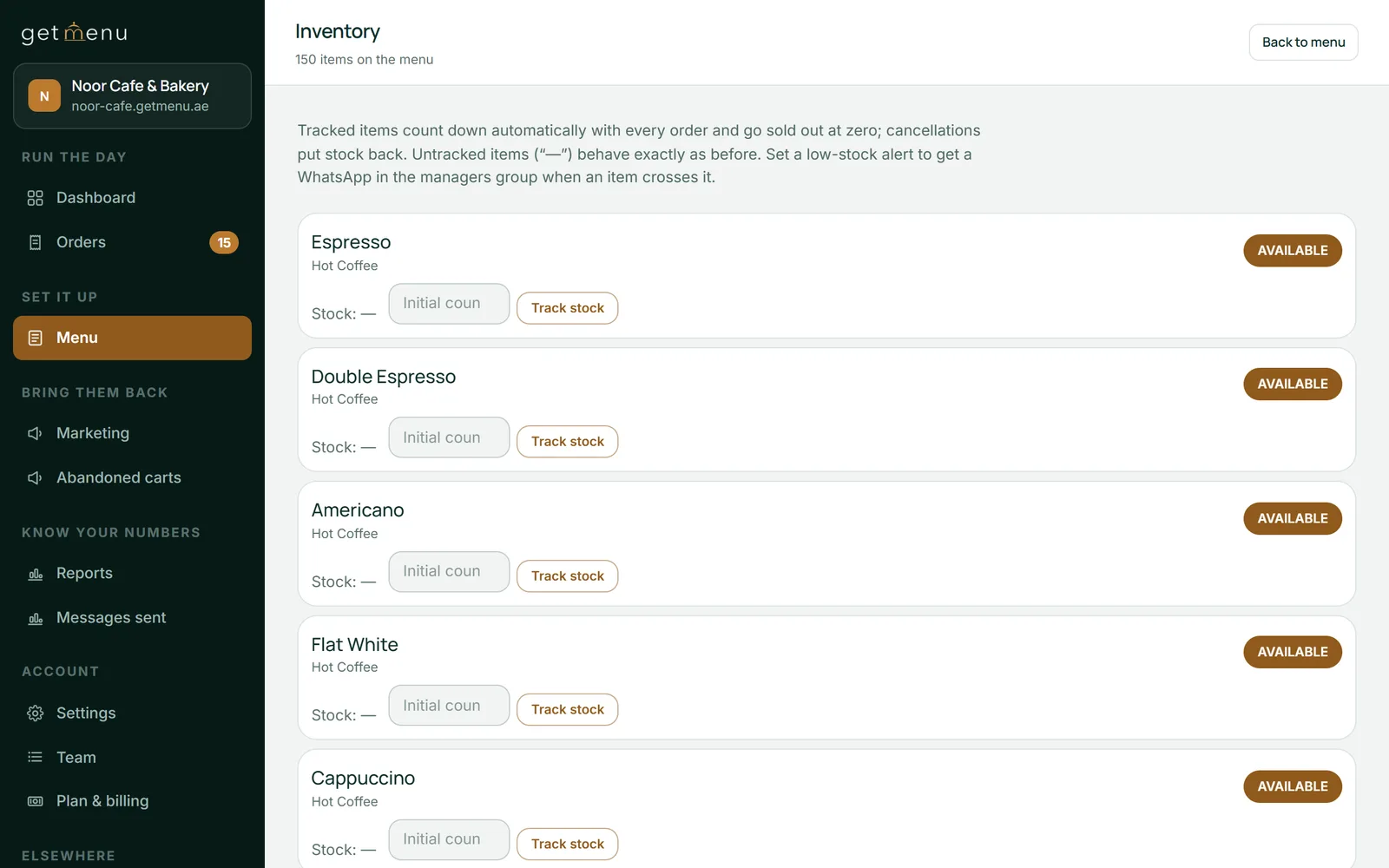
So the sensible starting point is the count that orders can maintain on their own: what is available to sell right now. Counts that fall as orders arrive, with an item greying itself out at zero, need nobody to remember anything. That single count prevents the specific failure of selling something you do not have, which costs an order and a small piece of goodwill every time it happens.
Once that is trusted, add the parts that need human input, one at a time, starting with recording waste at the moment it happens rather than from memory at the end of the night.
Stated plainly, because it is the honest boundary: we do recipe-level costing, supplier purchase orders and wastage records, but we are not accounting software, and the shelf still has to be counted by a person. If your problem is deep ingredient analysis across many kitchens, a specialist product may suit you better. What we do first is keep the availability count correct without anybody typing.
Most inventory demos are a tour of screens. Two questions turn it into something useful.
"What has to be typed by a person, and when?" Make them list it. Every item on that list is a place the system will drift, because on a bad night it will not happen. A short list is a better product than a long feature list.
"Show me the system disagreeing with the shelf." Ask what happens when the count and reality differ. A good system makes that easy to spot and easy to correct with a note explaining why. A weak one lets you overwrite the number silently, which is how a system quietly stops being evidence: not through one big error, but through a hundred silent corrections nobody can trace.
If a vendor cannot answer the first without hedging, the drift is coming, whatever the demo looked like.
Pick one dish and one week. Record what you made, what you sold and what was thrown. Do it by hand if you have to.
That single week will tell you more than a year of a system nobody feeds, and it will also tell you whether the problem is over-production, spoilage or portion size. Then buy the tool that addresses the one you actually have.
Our trial runs 15 days with no card. Pricing is on the pricing page rather than in this article. Payment is cash or your own card machine, with no online payments in the system, so no card details are held in it and old order details clear automatically after 120 days.
Not by itself. It shows where waste is happening so people can reduce it. Expect visibility in month one and savings later.
Sometimes, and the question to ask is which kind of free it is: a spreadsheet, a capped tier, or a shallow module inside something paid. Then ask what happens to your data when you outgrow it.
With the count that orders maintain on their own: what can still be sold right now. It needs nobody to remember anything.
More than the sellable count: it also keeps ingredients, suppliers, recipes with food cost, purchase orders, stock takes and wastage. It is not accounting software.
Take one dish for one week and record what you made, sold and threw away. That week answers it.
Most kitchens buy software for this before they have a habit for it, and the software then measures a habit that does not exist.
Most small kitchens do not need to weigh the oil. They need the biryani to show as sold out the moment the last portion goes. Here is the difference, and where to start.