
Petpooja POS for restaurants outside India
Petpooja is a large Indian billing system, and most of its searches come from India. A restaurant in the Gulf or beyond should check four things before choosing it, and this guide walks through each.
Home / Blog / Android restaurant POS: tablets, phones and POS machines that work
Android lets a small restaurant run its counter on a tablet it already has, or on a machine with the printer inside. Here is which devices to buy and how to set them up.
Anzul Aqeel · Founder & Director, Anunzio International FZC · 7 October 2026 · updated 16 October 2026
An Android restaurant POS can run on hardware a small kitchen already owns. For a food truck, one Sunmi handheld with a built-in printer and your card machine is enough. For a fast-casual counter, use an Android tablet on a stand, a receipt printer, and a cash drawer if you take cash. GetMenu's POS runs on both.
Android suits a small kitchen because you can start with a device you already have. Android hardware also comes in every shape a counter needs, from a waiter's phone to a 15-inch machine with a printer inside. StatCounter puts Android at about 69% of mobile operating systems worldwide in September 2026, so another device is easy to find when one breaks.
Apple's hardware is good, and GetMenu runs on iPad and iPhone too. But it does not tie you to Apple or to one terminal maker.
If a tablet breaks, you replace it with another tablet. With some POS systems, the software runs only on the company's own terminal. Android terminals such as Sunmi and iMin are made for counter work, and one terminal maker says most POS terminals last five to seven years.
Any phone, tablet or POS terminal on Android 5.0 or later runs the GetMenu POS. That covers 99.9% of Android devices in use, so an older tablet you already own may still work as your POS. You install the Android app from a download link we give you, not from Google Play, and pair it with a six-character code.
Each device has one of three jobs. The counter POS takes the order and the money, prints the receipt and opens the cash drawer. A screen in the kitchen is a tablet that shows the cooks every order. A waiter's phone takes orders at the table and sends each set of items to the kitchen, and it never opens the drawer.
A POS machine for restaurant use is an Android terminal with a touchscreen and a thermal printer in one body, so the receipt comes out of the machine itself. The GetMenu POS prints straight to that built-in printer, with nothing else to plug in.
They come in two shapes. The handheld, such as the Sunmi V2s, is a phone-sized machine with a receipt printer in the top. The desktop machines, such as the iMin Falcon 1 and Sunmi's T2s, sit on a stand and print on 80 mm paper. The Sunmi D3 Mini comes with either a 58 mm or an 80 mm printer.
Some owners call this a POS billing machine for restaurants, others a cashier machine for restaurants. It is the same device: a screen and a printer in one body. If you searched for a Petpooja POS machine, note that Petpooja is a different product. GetMenu runs on the Android machines you buy yourself and prints on their built-in printer.
The POS prints receipts and kitchen tickets on USB (on the LAN), network, Bluetooth and built-in printers. The cash drawer opens through the receipt printer on a cash sale. Our guide to the cash drawer and printers shows what to buy.
For a food truck, buy one handheld machine with a built-in printer, a power bank, and a phone hotspot or a small router. Your card machine stays beside it, and the POS works with no cash drawer at all.
For a fast-casual counter, use one Android tablet on a stand, one receipt printer with a cash drawer plugged into it, and an older tablet for the kitchen screen. If you already own the tablets, the printer and the drawer are all you need to buy.
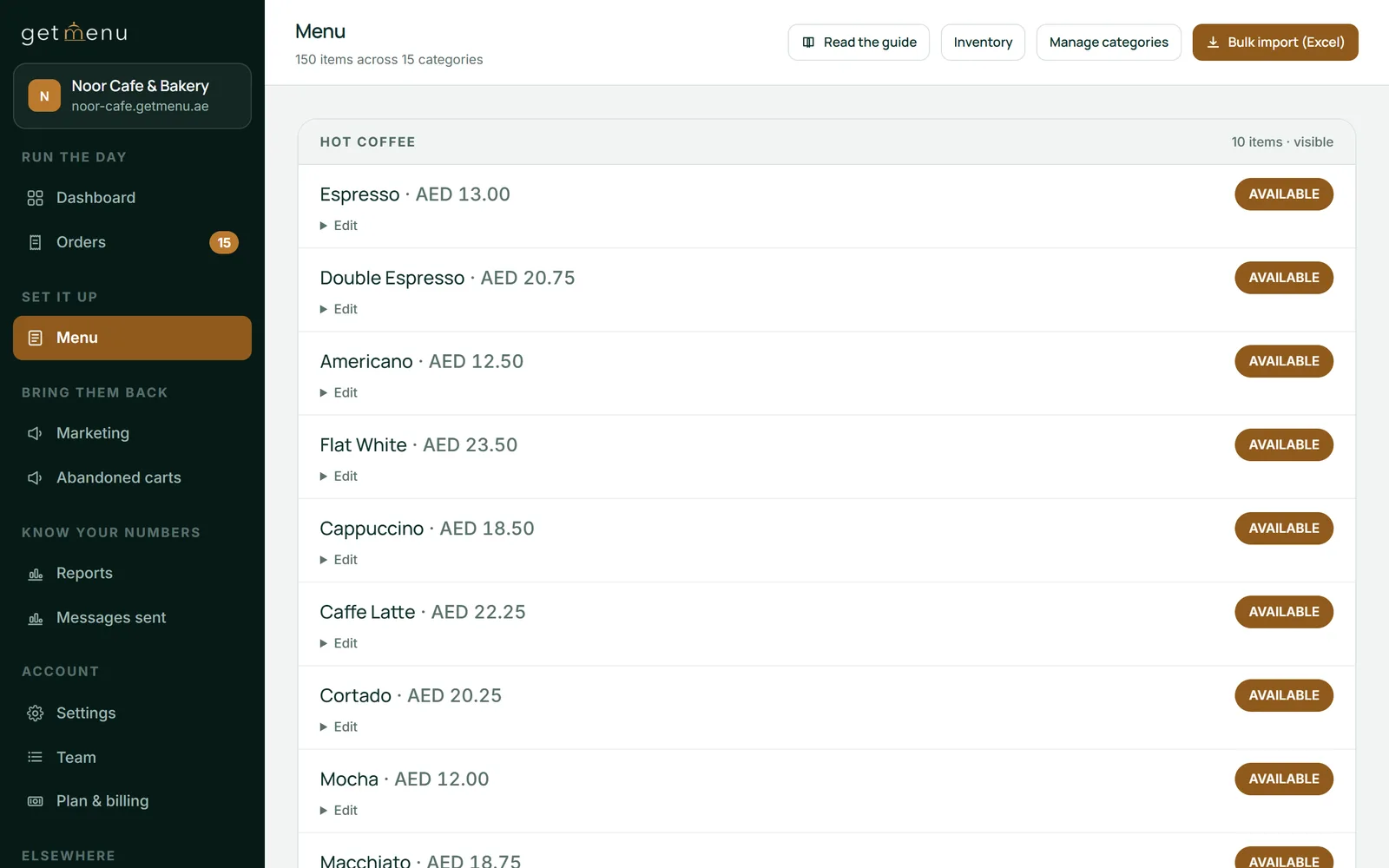
After the hardware, upload the menu from a spreadsheet instead of typing it, and add options and add-ons with their own prices. Then switch on stock counts for the dishes that sell out.
Cancelling a sale or giving money back needs a manager. The receipt prints on the built-in printer or the printer you chose, and the drawer opens on cash.
Yes. A sale entered with no internet is kept on the Android device and sent when the connection returns, once and never twice. The drawer still opens on a cash sale. The receipt waits until the sale has been sent, and then you print it from the Find a sale screen.
Signing in needs a connection, so staff sign in at the start of the shift. Tables also need a connection: sending a table's next items to the kitchen and charging its bill both wait while the device is offline. So a waiter's phone needs the Wi-Fi more than the counter does. Give the POS devices their own Wi-Fi network that guests cannot join.
Yes. GetMenu runs on both, and one restaurant can mix them. Put an iPad at the counter and an Android tablet in the kitchen. Give the floor staff Android phones. Each device pairs to your GetMenu account with its own code.
Whichever devices you use, a screen in the kitchen shows counter sales, table orders, online orders and WhatsApp orders together. Each order is timed in colour: green when it lands, amber near 8 minutes, red when late. Counter, web and WhatsApp orders all print on the same kitchen ticket at each station. Each station's ticket carries the order number in large type and no prices.
A customer's choices, such as no onions, are printed in bold on the kitchen ticket, and any note the customer writes prints on it too. An allergy note prints in bold red above the dishes, and shows as a red banner on the kitchen screen.
Anzul Aqeel, the founder of GetMenu, spent four years reselling POS management software to small businesses before he built one. "Most of the small businesses I sold to did not need the most expensive screen. They needed a printer that worked and a screen their staff could read."
Yes. The GetMenu POS and your online ordering page are one system. The two share one menu, the same prices and one set of order numbers. Online and WhatsApp orders show on the POS screen beside the counter sales, and a double tap cannot order the same thing twice.
There is one stock list for the counter and the online menu. A dish that sells out at the counter goes sold out on the ordering page too. Mark a dish None left on one POS, and it is taken off the other POS devices and the online menu as well.
A delivery order placed on your page goes to the managers' group and the riders' group on WhatsApp the moment it is placed. The riders' message carries the building and unit number picked at checkout, and a map link when the customer shares their location. Phone orders typed in at the POS go to the riders the same way, and you can send a rider from the POS on WhatsApp. Collection orders stay on the POS screen until the customer comes to collect them.
A guest who scans a table's QR code types no address, because the table is the address, and the order lands on the floor plan as that table's open bill. Table QR ordering is on the Growth and Pro plans.
Add a customer's number to a counter sale and they earn a loyalty stamp, and the card in their Apple Wallet or Google Wallet updates itself. Loyalty and the wallet card are on the Pro plan.
The POS is a yearly add-on on top of your plan, with no limit on devices, and the price in your currency is on the pricing page. The plans come with a 15-day trial that needs no card, and the POS add-on has no trial of its own. Start your free trial with the ordering page, and add the POS when you are ready.
It is a counter computer with the receipt printer inside. Makers such as Sunmi and iMin build it on Android. It takes the order, prints the receipt and can open a cash drawer plugged into it. The GetMenu POS runs on these machines, as it does on any Android tablet.
Yes. An Android phone can do any of the three GetMenu POS jobs. As a waiter's phone, it takes orders at the table and sends them to the kitchen, but it never opens the drawer. A phone can also be the counter itself, which suits a small food truck with no tablet.
Both run the GetMenu POS, so choose by what you own and the shape you need. Android comes in more shapes, including handhelds and machines with a printer inside. You can also mix them: an iPad at the counter, an Android tablet in the kitchen and Android phones on the floor.
It needs a connection to sign in and for table orders and bills. Counter sales do not: a sale entered offline is kept on the device and sent once the connection returns, never twice. The cash drawer still opens, and you print the receipt from Find a sale once the sale has been sent.
For the counter, a 10-inch tablet on a stand is enough, or a Sunmi or iMin machine with its own printer. For the kitchen, an older tablet behind a splash cover works well. Check that the device runs Android 5.0 or later: in Settings, About tablet (or About phone) shows the version.
Expect a few years from an ordinary tablet in daily service, and longer from a terminal built for the job. Kitchen heat and grease shorten a screen's life, and so do drops. Keep the counter tablet away from the hot kitchen, and keep a spare tablet ready for the day one breaks.
Petpooja is a large Indian billing system, and most of its searches come from India. A restaurant in the Gulf or beyond should check four things before choosing it, and this guide walks through each.
Free software is paid for on the card, in the add-ons you need by week two, or in the hardware. How to read the word, what the free plans charge for, and why GetMenu would rather say its price and offer 15 days.