
Petpooja POS for restaurants outside India
Petpooja is a large Indian billing system, and most of its searches come from India. A restaurant in the Gulf or beyond should check four things before choosing it, and this guide walks through each.
Home / Blog / Free POS system for restaurant use: what free really means
Free software is paid for on the card, in the add-ons you need by week two, or in the hardware. How to read the word, what the free plans charge for, and why GetMenu would rather say its price and offer 15 days.
Anzul Aqeel · Founder & Director, Anunzio International FZC · 7 October 2026 · updated 16 October 2026
A free POS system for restaurant use is free in one place and paid in another. The software costs nothing a month, and the money is taken on every card payment, in the add-ons you need by week two, or in the hardware. GetMenu is not free; it has a flat monthly plan and a 15-day trial with no card. Here is how to read the word.
The free plans are real, and so is the bill. Merchant Maverick's round-up of free restaurant POS systems describes Square's free plan with no monthly fee and card processing at 2.4% to 2.6% plus 15 cents per payment. Square's own pricing page says its kitchen display app is not part of the free plan. It is a monthly charge per device on the paid plans, which also add features such as coursing and seat management. Loyverse is free for its core, kitchen display included, and works with outside payment providers. Its pricing page charges $25 a month per store each for employee management and advanced inventory. Both state their fees on their pricing pages.
The pattern is the same everywhere, as Korona's guide to which POS has the lowest fees lays out. When owners search for restaurant software free of charge, they usually mean no monthly fee. Software with no monthly fee is paid for on every card payment, and the features a restaurant needs beyond the counter are sold one by one. There is no truly free POS once you accept card payments through it. Some owners search for free pos billing software for restaurant use, since billing software is another name for a POS, and the answer is the same.
Free can also mean open source. That has no fee, but you run it and fix it yourself. See our guide to open-source restaurant POS.
There is one genuinely free part of any pos system in a restaurant, and it is the hardware you already own. An iPad, an Android tablet, the phone in a waiter's pocket and the receipt printer from the last system cost nothing more. Free plans that include a card reader are not giving you a free reader. They earn their money from the fee on every card payment you take on it.
If the POS runs on devices you already own and prints to a printer you already have, you pay nothing for hardware. If you take cards on the machine your bank gave you, the POS adds no second processing fee on top of the one you already pay. That removes two ways a free plan can charge you.
GetMenu's POS runs that way. The app runs on iPad, iPhone and Android and pairs with a six-character code from your dashboard. It prints to ESC/POS and Star printers over USB (on the LAN), network, Bluetooth and built-in, and opens the cash drawer through the receipt printer. It processes no cards: customers pay cash or on your own machine, and the sale records which. Online and WhatsApp orders show on the POS screen next to counter sales.
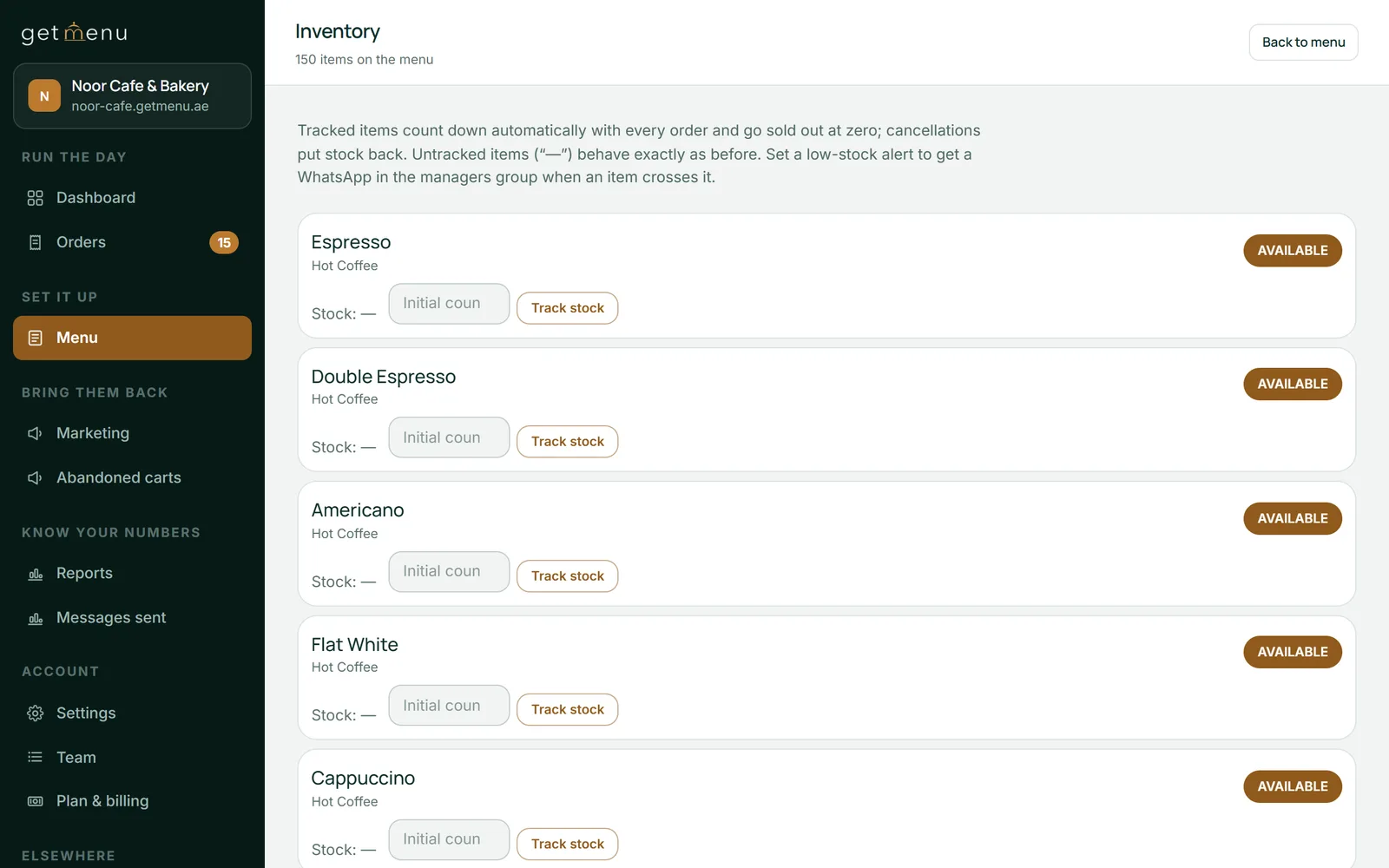
Every order on one kitchen ticket: counter, web and WhatsApp. Kitchen tickets print for each station from the POS. A customer's note prints on the ticket, and an allergy note prints in bold red above the dishes. One stock list for the counter and the online menu: None left on the POS takes the dish off the other POS devices and the online menu. The kitchen screen is a spare tablet on the wall.
Yes, for one counter where customers tap cards all day. No, once a second way of ordering opens. A free cafe pos suits exactly the business the free plans were built for: one counter, one tablet, coffee and cake. The processing is the price, it grows with sales, and on a small counter it is fair. Free cafe pos software stops fitting when the cafe adds lunch orders by WhatsApp, a few tables with a QR code, or a delivery run at the weekend. Those are the features the free plans sell as upgrades.
The honest test is to list what you will need by month three and price the add-ons. If the list is a card reader and a receipt, stay free. If the list includes tables, a kitchen screen, loyalty and an ordering page without commission, the free plan is the expensive one.
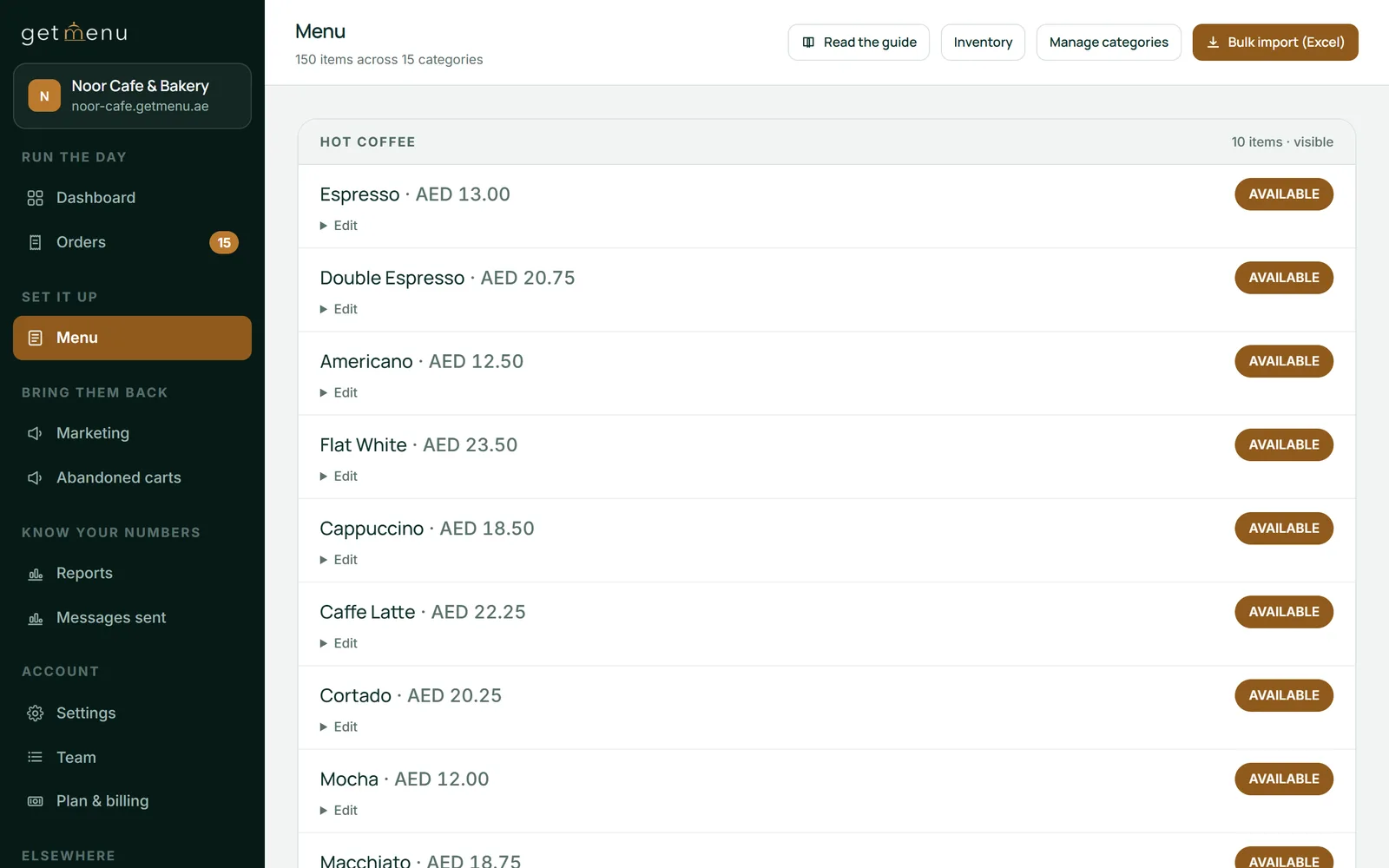
GetMenu does not call itself free, because it is not. The plans are a flat monthly price in your currency, or a small charge per order if you prefer, both on the pricing page. What the plans include is the part the free plans sell as upgrades. Every plan has your own ordering page with no commission, and the WhatsApp confirmation, ticket and rider dispatch the moment an order is placed. Every plan also has stock counts that fall as orders come in, and every monthly plan has invoices the customer can download without logging in. Growth and Pro add table QR ordering and coupons with exclusions and expiry dates; Pro adds loyalty stamps and tiers.
The 15-day trial covers the ordering plan with no card. Upload the whole menu from a spreadsheet instead of typing it, link your WhatsApp number, take real orders, and decide before the 15 days are up with your own numbers. The POS is a yearly add-on with no trial of its own. To try the counter as well, add it and pair a tablet.
The best free POS ranks free tiers. The best POS system for a restaurant ranks the whole job. The lists of the best free pos software for restaurants rank what costs nothing a month, and they are useful for a one-counter cafe. The lists of the best pos system for restaurant use rank the counter, the tables, the kitchen, the online orders and the customers. A restaurant takes orders at the counter, at tables, by WhatsApp and on its own ordering page. A POS in a restaurant should cover all of them.
To compare fairly, list what each plan includes on a normal month. With GetMenu, the ordering page with no commission is on every plan. Table QR ordering is on Growth and Pro: the table is the address, so the guest has nothing else to type. Loyalty tiers your regulars grow into are on Pro. At the counter, every order prints on one kitchen ticket per station, and one stock list takes a sold-out dish off the other POS devices and the online menu. Those are the parts a free plan charges for or lacks.
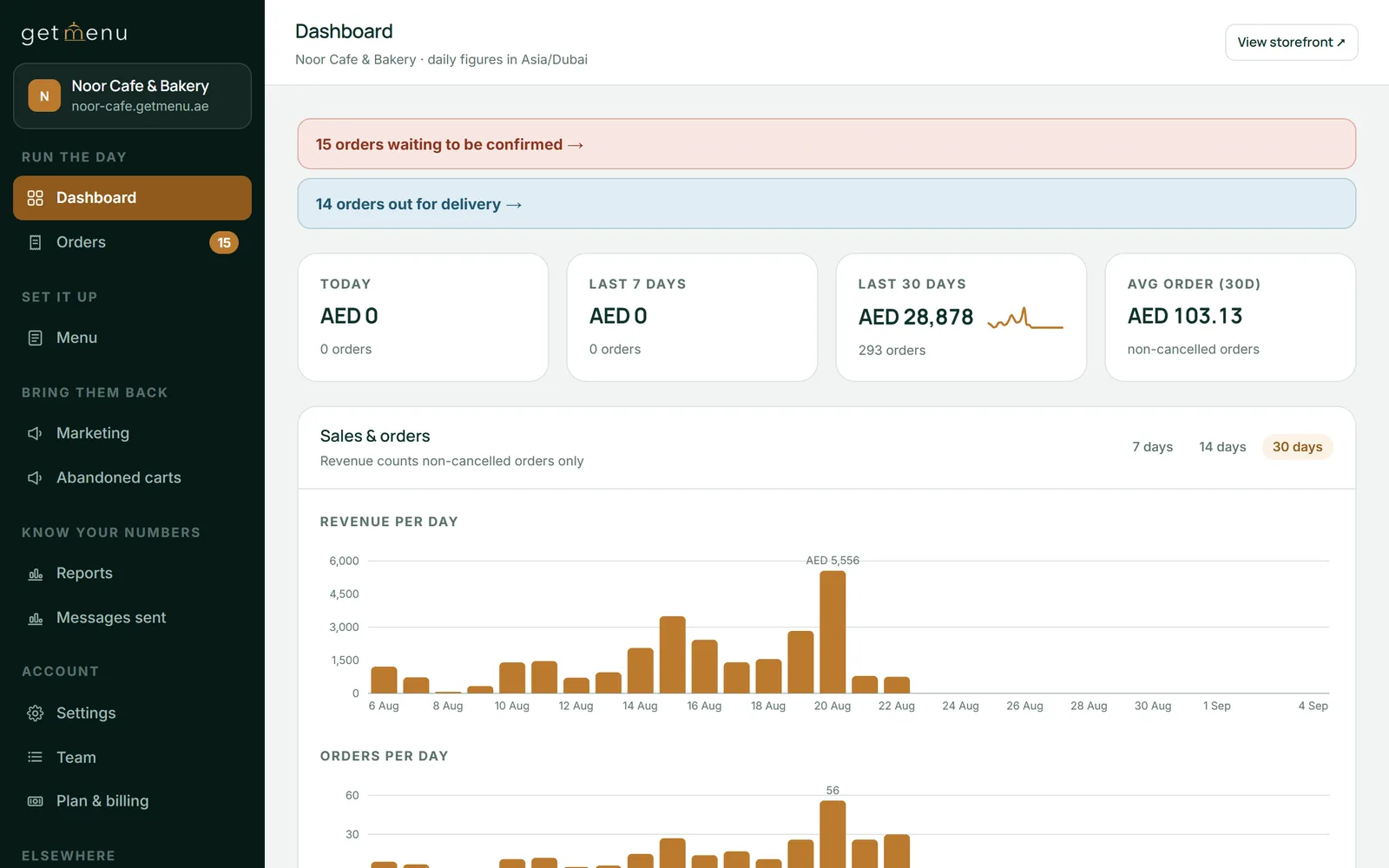
One cost guide puts restaurant POS software at $0 to $300 a month, hardware at $700 to $2,000 for a standard setup, and processing at 1.5% to 3.5% per transaction. So a month is the software fee, plus the hardware you must buy, plus the processing on your card sales. Write your own month into those three lines. Then write GetMenu's: the plan and the POS add-on, the devices you already own, and no processing fee from GetMenu, because card payments go through your bank's machine at the rate you already pay. Add up each list. The bigger total is the real price, whatever the website says in big letters.
Anzul Aqeel, the founder of GetMenu, spent a decade in POS reselling and SMS marketing before building the ordering system himself. "Every owner asks about the monthly fee first. The owners who kept their costs down were the ones who also asked about the fee on every sale."
Not if you take card payments through it. Square's free plan charges 2.4% to 2.6% plus 15 cents on every card payment, and Loyverse's free core charges $25 a month per store each for advanced inventory and employee management. The software is free; the counter is not. The only truly free part of any system is the hardware you already own.
Three things, usually. Card processing on every sale, which grows with your takings. Add-ons for the features a restaurant needs beyond the counter: tables, a kitchen screen, loyalty, online ordering. And hardware, where a bundled card reader earns its money from the fee on every card payment. Read a free plan's add-on list and its processing rate before you read its features.
The one that does not process your cards at all, so the only card fee is the one you already pay your bank or acquirer. Among the free plans, compare the per-payment rate and the fixed cents, because on small tickets the cents matter more than the percentage. GetMenu takes no card payments and no commission; its cost is the plan on its pricing page.
It depends on the counter. Square's free plan is the easier start, with card payments built in, and it charges processing on every payment. Loyverse's free core includes the kitchen display and works with outside payment providers, and sells advanced inventory and employee management as add-ons. For a one-counter cafe either works; for a restaurant with tables, a kitchen screen and online orders, price the add-ons first.
No. GetMenu has a flat monthly plan in your currency, or a small charge per order, both listed on its pricing page, with the POS as a yearly add-on. It would rather say so than hide the price in processing. What it offers instead of free is a 15-day trial of the ordering plan with no card asked for, so you decide with your own orders.
The one that covers every way the restaurant takes orders, on devices you already own, for a price you can write down in advance. For a counter alone, a free plan with processing may be it. For a restaurant with tables, a kitchen screen, an ordering page and riders, look for a flat price that includes them, no commission, no processing fee of its own, and a trial long enough to run a real week.
Petpooja is a large Indian billing system, and most of its searches come from India. A restaurant in the Gulf or beyond should check four things before choosing it, and this guide walks through each.
One system, four jobs: the counter, the tables, the kitchen and the online orders, with no commission on any of them. What a UK restaurant should ask of its EPOS, in UK terms, and what it should cost.