
Scan menu QR code: what happens in the next two seconds
The scanning is the easy part. Everything that matters happens after it, and most restaurants have never decided what that should be.
Home / Blog / Scan qr to order: the forty seconds that decide it
Time it once with a stopwatch and the whole design argument settles itself. Every step that needs explaining is a step that will lose you orders.
Tanzeel ur Rehman · Co-founder, Get Menu · 2 September 2026 · updated 16 October 2026
Five people sit down at 9pm, the table is sticky, and one of them is already holding a phone over the little acrylic stand. Whether that gesture turns into food depends on about half a dozen things that happen in the next 40 seconds, and the restaurant will never hear about any of them if they go wrong. Nobody complains that a page loaded slowly. They just put the phone down and wait for somebody to walk past.
It means the guest reads a printed code with their phone camera, lands on the restaurant's live menu, builds an order there, and sends it straight to the kitchen without a member of staff writing anything down. The code is only an address; everything that decides whether the gesture works sits on the other side of it.
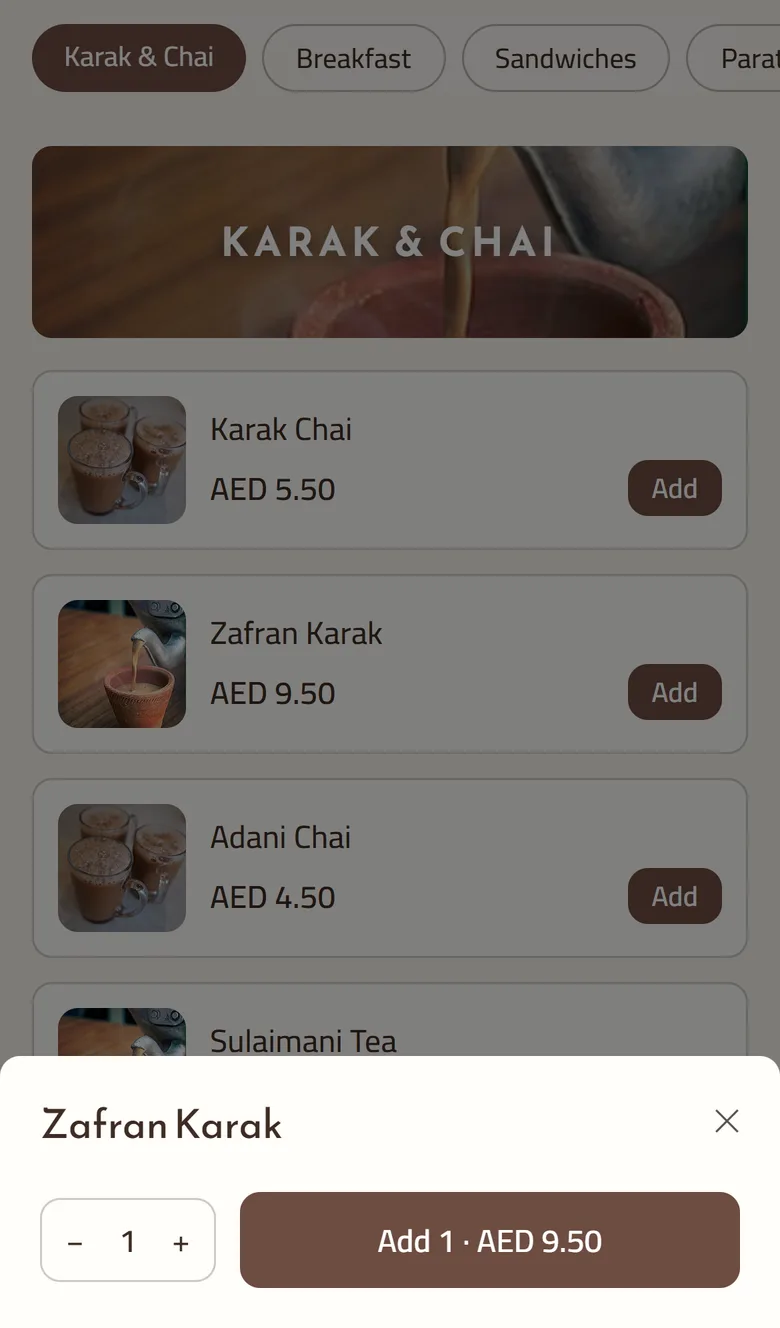
The phrase is often used loosely for a code that merely shows a menu. That is a different product with a different economics: showing a menu saves printing, while taking the order saves labour and removes the copying step where mistakes are made. If a code opens a document the guest still has to flag someone down, nothing structural has changed.
Step one, the camera. Modern phone cameras read codes natively, so no app is needed, and the format is forgiving: the error correction Denso Wave built into the QR code lets a scratched or smudged print still resolve. Any solution that asks a guest to install something has lost the table before it starts.
Step two, the page. It has to open on a bad signal in a room full of concrete. That means images compressed automatically rather than uploaded at full size, and a layout built for one thumb on a phone rather than a desktop grid shrunk down. Google's Core Web Vitals guidance treats load speed as a make-or-break measure for exactly this kind of visit.
Step three, choosing. This is where a menu earns its keep. Required choices and limits the kitchen can trust mean spice level, rice type or the mandatory sauce cannot be skipped. Modifiers carry their own prices, so a large size adds its own charge instead of being remembered later.
Step four, honesty. If the kitchen has run out, the item should already be gone: sold out flips itself at zero, with no one watching, and the guest never selects something that will be refused in ten minutes.
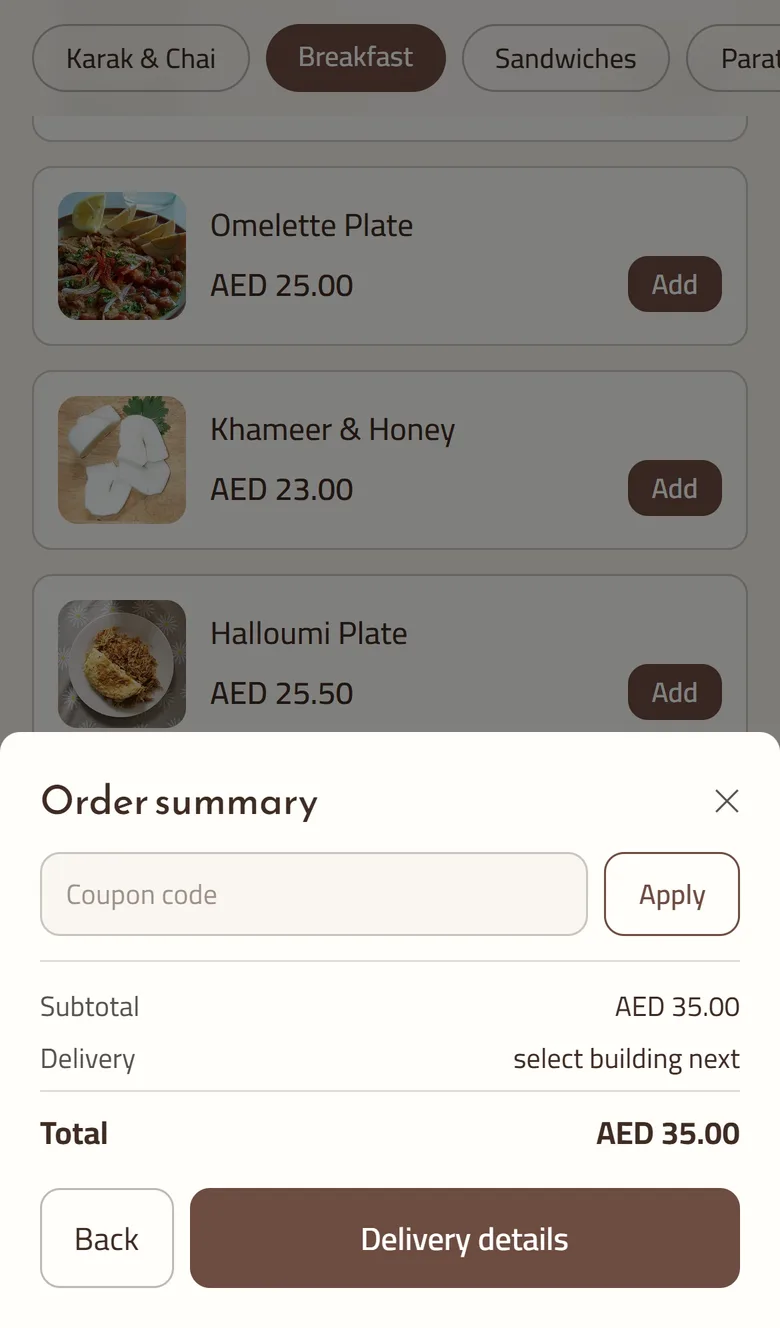
Step five, identity. The cart takes a name and number, which is the minimum needed to tell somebody their food is coming. For a table the address problem is already solved: the table is the address, and the code itself carries the number.
Step six, the receipt. A status page per order exists with no login needed, so a guest who closes the browser can still see where their order stands.
Five things, in rough order of frequency. A code pointing at a PDF, so the guest pinches and zooms and gives up. A code pointing at a generator's own domain that stops resolving when a trial lapses, turning printed cards into dead ends. One shared code for the whole shop, so the kitchen gets an order with no idea which table sent it. A login wall, which converts a 40-second interaction into a password reset. And a page that quietly lets someone order a dish that ran out at eight o'clock.
None of these are exotic. All five are the default behaviour of the cheapest way to do this.
The test we use is whether a guest who has never seen the system can finish without a member of staff explaining anything. If the table needs a sentence of instruction, the design has failed. In a full room at nine at night, nobody is available to say that sentence.
— Anzul Aqeel, founder of Get Menu
The order lands where the staff already are rather than on a screen someone has to remember to check. A confirmation goes to the customer the moment they order, a ticket goes to the managers' group, and where a rider is involved a dispatch follows with the pin attached. That makes 3 messages in about 2 seconds, none of them typed by anyone, all on WhatsApp, the app Meta's developer pages describe as built for exactly this sort of business message.
Every line is re-priced from the live menu as the order is placed, so a price changed during service is the price charged. A double tap cannot place the same order twice. And because the whole thing runs through a restaurant ordering system rather than a chat thread, the day ends with a record you can read. Sales come by day, item and channel, with an export whenever the accounts need one.
Group ordering solves the bill-splitting mess that ruins the end of a meal. Everyone at the table scans, everyone orders from their own phone, and the whole lot arrives as one bill instead of five separate tickets the kitchen has to guess about.
It also fixes the sequencing problem nobody mentions. When five people order separately over 15 minutes, the kitchen either holds food or serves the table in waves; when the orders arrive as one, the pass can plate them together. Rewards for scanning again on the next visit sit on top of the same code, which is the cheapest retention any dine-in room gets. A qr menu that already knows the table can also recognise the person who used it last month, with tiers your regulars grow into and stamps counted automatically rather than by hand.
Payment does not happen in the page. The guest settles in cash or on your card machine, exactly as they would have anyway, and the practical consequence is that no card details exist anywhere in the system for anyone to steal or leak.
That is a real limitation and worth saying out loud rather than burying. It also removes an entire category of failure at the table. A guest whose card is declined in a browser at 9pm is embarrassed in front of four friends, and no ordering flow recovers from that.
No. Phone cameras have read these codes natively for years, so the guest points, taps the banner that appears, and lands on the menu. Anything that asks for an app or an account before the first order is adding a step the restaurant pays for in abandoned tables.
The page will not open, which is why the code should never be the only way to order. Keep a printed short list or staff on hand for the few tables it happens to. Compressed images and a light page help more than most operators expect, but they cannot fix a dead spot in a basement dining room.
No. Payment stays cash or the card machine at the table or the door, deliberately, and that is why there are no stored card details in the system at all. It also matches how a great many small restaurants in Malaysia already settle.
Most kitchens have a working menu the same day, especially if it can be uploaded from a spreadsheet rather than typed, and the trial runs 15 days with no card asked for at the start. That is long enough to put two real weekends through it before deciding. Detailed order contents are cleared automatically after 120 days.
The scanning is the easy part. Everything that matters happens after it, and most restaurants have never decided what that should be.
Three separate things decide whether a guest sees your menu: the phone in their hand, the card on your table, and the page the code points at. Only two of them are yours.